In this article
A business outgrows Excel when you spend more time copying data between spreadsheets, e-mails and the phone than doing the work itself. A custom system brings that information into one place: jobs, clients, appointments, documents and team tasks, in exactly the steps your business follows. It does not have to be a year-long project. Often a few modules that replace the most painful spreadsheet are enough.
Excel is a great tool and we are not here to demonise it. It just was not built for five people running a business in it at the same time.
Seven signs Excel is no longer enough
If you recognise your business in three or more of these, it is time to think about a system:
- You copy the same data into several places: a spreadsheet, an e-mail, an invoice and a calendar.
- There are several versions of one spreadsheet and nobody is sure which is current.
- One person holds the job details in their head. When they are off sick, nobody knows where things stand.
- Clients ask how their job is going, and you have to dig it up.
- You watch deadlines and reminders by hand and now and then something slips.
- You put contracts and documents together by copying from old files.
- You have no view of the numbers until someone spends an evening adding up spreadsheets.
None of these will sink a business. Together, though, they cost hours every week and mistakes that are hard to trace.
The typical moment comes when another person joins. While the owner does everything alone, the spreadsheet in their head works. With a second and third colleague it becomes a bottleneck: everyone has to ask where things are, and information drifts apart. That is when a custom system pays off most, because the team works from the same overview from day one.
What a custom system actually does
A custom system is a web app that mirrors how your business really works. You log in from a computer or a phone and everyone on the team sees what they need. It is made of modules that make sense for you:
- Bookings and slots: calendar, capacity, confirmations.
- CRM and jobs: job stages and contact history with the client.
- Orders: from enquiry through to handover.
- Stock and records: items, states, stocktaking from a phone.
- Contract generator: a pre-filled contract in one click.
- Automated e-mails: confirmations, reminders, thank-yous.
- Client portal: a login for clients and your team.
- Reports and exports: numbers for you, exports for accounting.
- Connects to your tools: invoicing, calendar, payment gateway.
- Access and roles: who sees what and who may do what.
Nobody needs everything. You typically start with two or three modules that solve the biggest pain, and add more once the business really needs them. The system grows with the business and you do not pay for features nobody uses yet.
Off-the-shelf software or a custom system
Off-the-shelf software (a ready-made CRM, booking or stock system) pays off when your processes match how its makers designed it. It is quick to set up and you pay a monthly subscription.
A custom system makes sense when:
- You use three or four ready-made tools and still copy data between them by hand.
- A ready-made tool forces you to work differently from how your business runs.
- You pay for dozens of features and use two.
- You need something no ready-made tool does, such as a contract built from specific job data.
- You want to keep your data yourself, not scattered across several providers.
We describe a similar decision for bookings in Custom booking system or off the shelf. The principle is the same: off the shelf handles one step, a custom system handles what follows too.
A good system does not add work. It takes away the work you now do twice.
Switching to a custom system without disruption
The biggest worry businesses have is that switching will throw their work into disarray. That is why you do not switch overnight, but step by step:
- 1Mapping how you work. We go through how a job or a client moves through the business, who does what and where data gets retyped.
- 2A free demo. We build a demo of the system on your steps, so you can see whether it makes sense.
- 3The first module. Start with what hurts most. Everything else keeps running the old way for now.
- 4Moving the data. Data from spreadsheets is moved into the system, so you do not start with an empty screen.
- 5Running in parallel and training. Both run briefly, the team gets used to the system and we fine-tune details from their feedback.
- 6More modules. Once the first part works, the next ones follow.
Examples: a bridal salon and an interior studio
Two of our projects show how a custom system replaces a notebook, spreadsheets and e-mails.
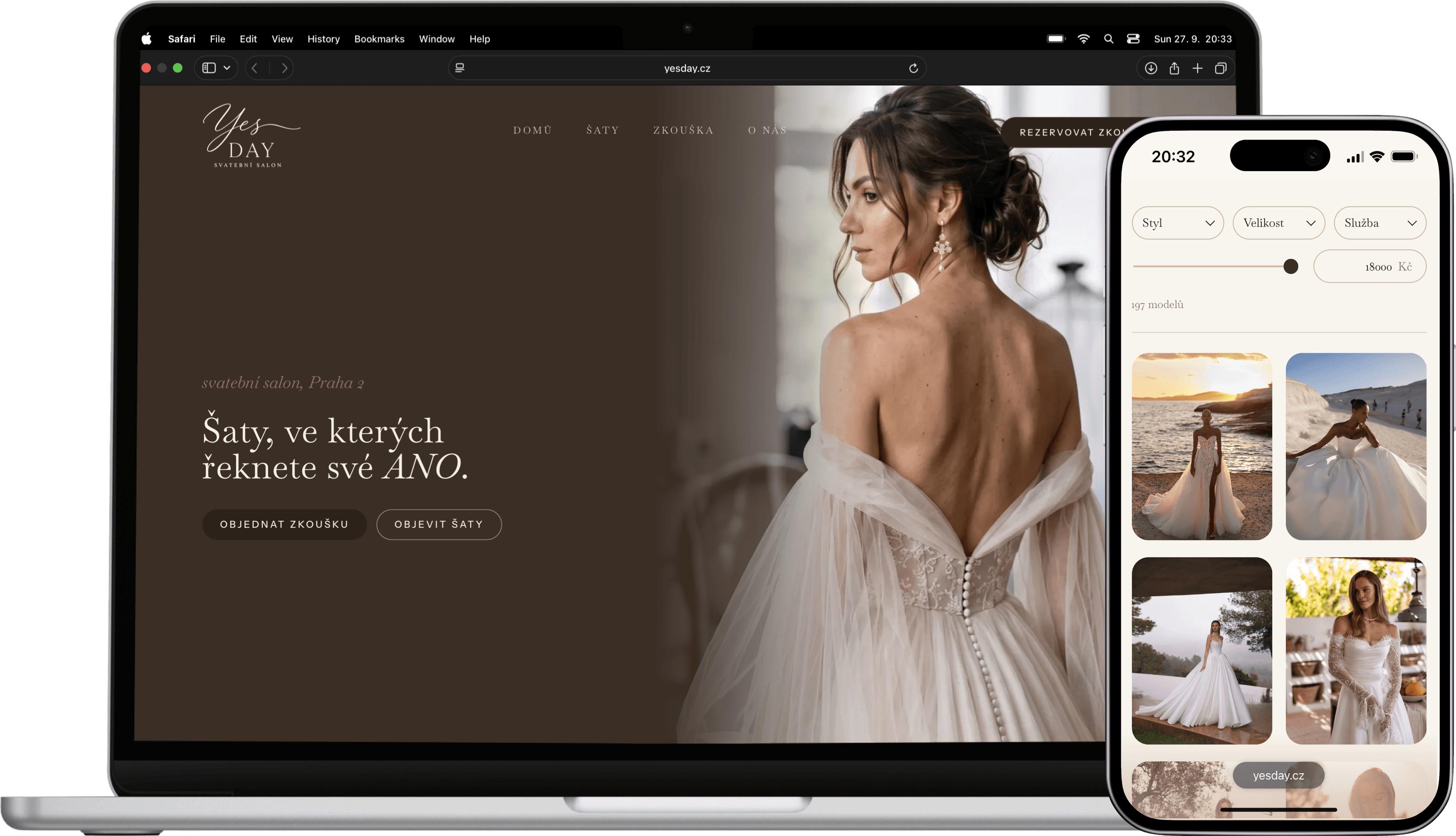
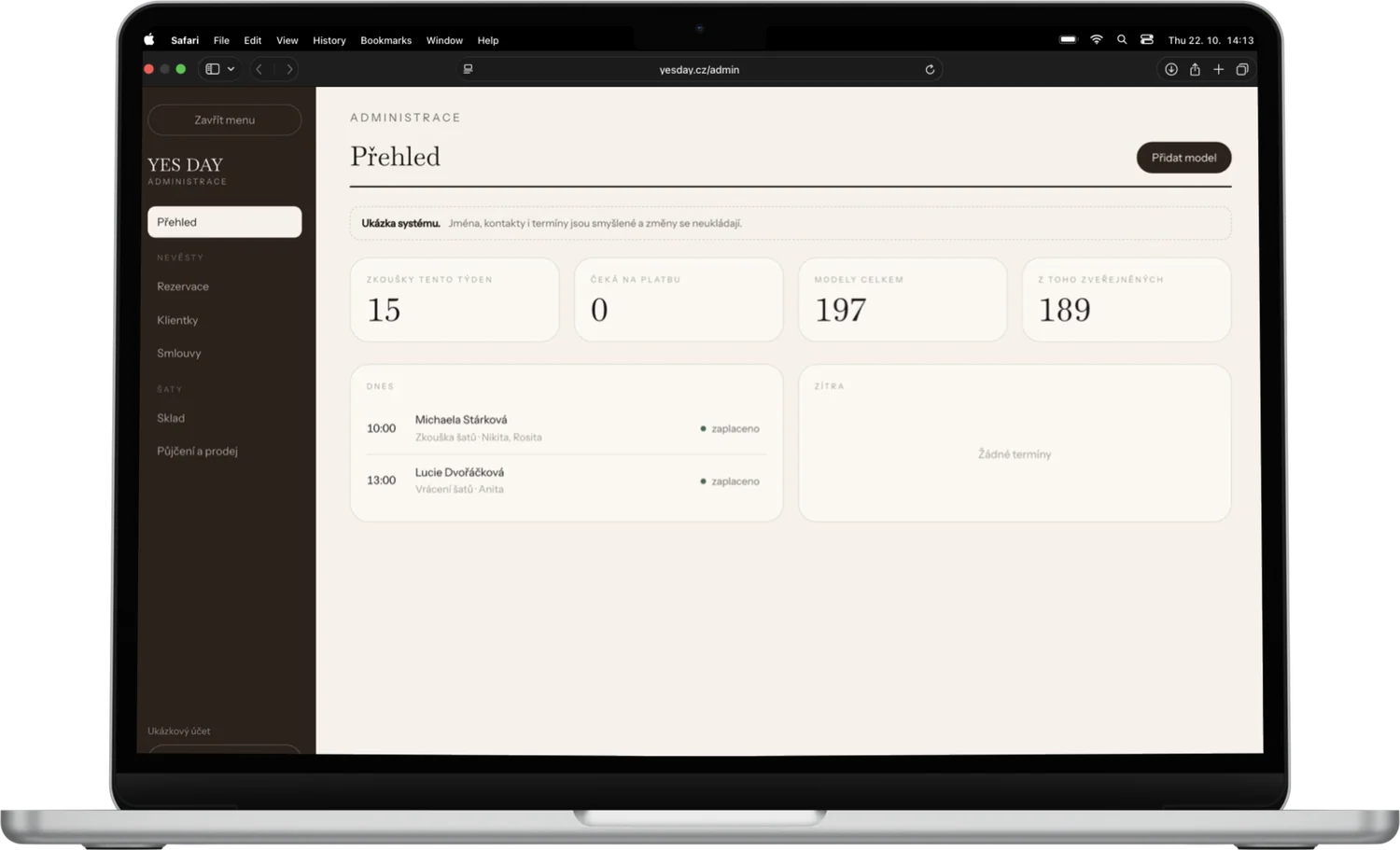
The bridal salon YES DAY kept fitting dates, notes, rentals and contracts in a notebook and in e-mails. Today it has its own admin connected to the website: a calendar of fittings, pick-ups and returns, a card for every bride, dress stock, an overview of sales by wedding date and contracts issued in one click from the data in the system. We cover it in detail in the YES DAY case study.
The interior studio Home Harmony got Můj den alongside its website, a custom app for the team. Every morning everyone sees what is urgent, what is on for today and who is handling what. Jobs are split into stages, tasks have notes, there is a calendar and a team chat, finances and invoices sit with each job, and notifications go to the phone.
How we do it
We design the system around how your business really works, not around a template. We start with what hurts most, and every module has to save work from day one.
What a custom system costs and how to start
We price a custom system by scope, because every business needs different modules. The process is the same as for a website: a free demo first, then a fixed price up front, a 40 % deposit once you approve the demo and the balance after handover. You pay nothing until you can see the system makes sense for you.
If you need a website alongside the system, website prices are on our pricing page. Want to find out whether your business has outgrown Excel? Get in touch, we will go through how you work together and show what a custom system could look like for you.
FAQ
- 1
What is a custom system?
A web app built exactly around how your business works. It brings jobs, clients, appointments and documents into one place, accessible from a computer or a phone.
- 2
How much does a custom system cost?
It depends on the number and complexity of modules, so we price it by scope. You know the price up front and see a free demo first.
- 3
Will we lose data when moving off Excel?
No. Data from spreadsheets is moved into the system, and both can run side by side for a short while until the team is used to it.
- 4
Is a ready-made CRM or a custom system better?
A ready-made CRM is enough when your processes fit its logic. A custom system pays off when you copy data between several tools by hand or need features no ready-made tool offers.
Want this on your website?
We build you a free demo. You only pay if you like it.